Split the bill, not the friendship.
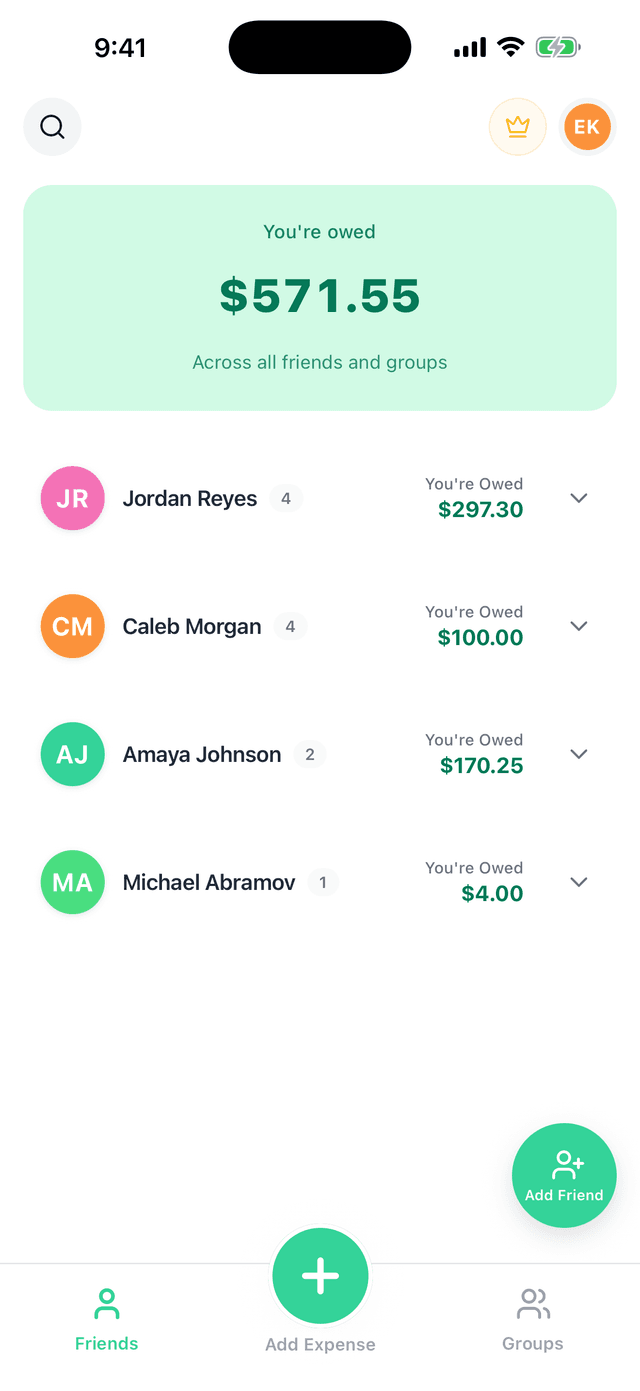
Split! tracks who owes what across roommates, trips, and dinner tables — then settles everyone up in the fewest payments possible. You add the expense; the math (and the pennies) are handled.



Scan with your phone to get Split!
- Free to use
- No ads
- No expense limits
App Store Reviews
“Way better than Splitwise with no daily limits and good UI — my go-to for expense splitting now.”
“I have tried every expense splitting app under the sun… the first and hopefully last app I will use that checks all the boxes.”
“The first expense splitting app that has everything I need — designed well, with all the basic features you want to use, for free!”
Try it right now
Who owes who?
Enter what everyone paid — for last night's dinner, the weekend, whatever — and get the fewest payments that settle the whole group. No account, nothing saved.
This is the same debt simplification Split! runs continuously across all your groups and expenses. This calculator answers once; Split! remembers.
More one-off math? All free calculators — rent, trips, income splits, and the check.
Settle up in 3 payments
- RileyAlex$48.87
- JordanAlex$18.87
- SamAlex$3.38
Features
Everything you need, nothing you don't
No paywalled basics. No daily caps. No ads between you and your money.
Six IOUs become three payments
Debt simplification finds the shortest path to everyone being square — so nobody Venmos in circles.
Free means free
Unlimited expenses, unlimited groups, debt simplification, sync — all free. Not seven-expenses-a-day free. Free.
A group for everything
The apartment, the ski house, the dinner club that got out of hand — each one keeps its own tab, its own members, its own running balance.
Settle up in one tap
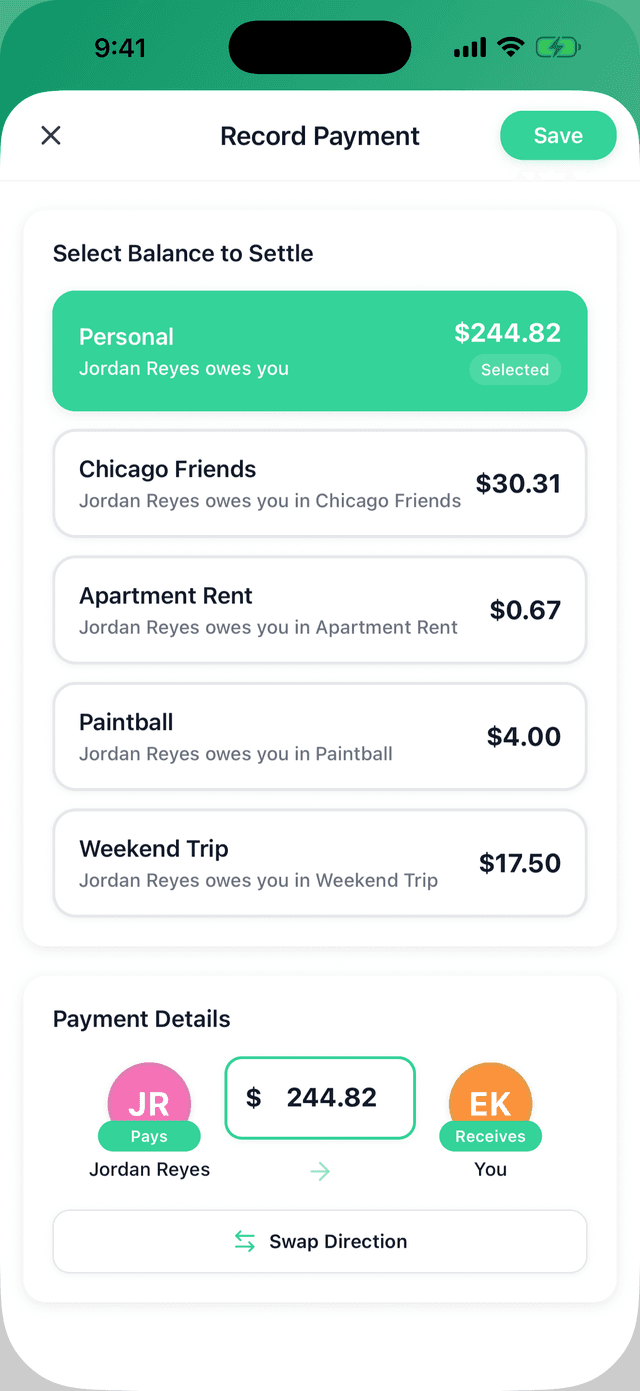
When it's time to square up, record the payment and every balance updates instantly — yours and theirs.
Premium, if you want it
Receipts on expenses, spending analytics, recurring bills, advanced search, and data export — for the power users. The core app stays free either way.
FAQ
Questions, answered
Is Split! really free?+
Yes. All core features — groups, friends, unlimited expenses, debt simplification, and real-time sync — are free, with no ads and no daily limits. There's an optional Premium upgrade for extras like receipt uploads and spending analytics, but you never need it to split a bill. No ads, no selling your data. For details, see our Privacy Policy.
How do I create a group?+
Tap the “Groups” tab at the bottom of the app, then tap the “+” button to create a new group. You can add friends to the group and start tracking shared expenses.
How does debt simplification work?+
Split! automatically simplifies complex debt networks by finding the most efficient payment paths. Instead of multiple back-and-forth payments, the app calculates the minimum number of transactions needed to settle everyone up.
Can I use Split! on multiple devices?+
Yes. Split! syncs in real time across all your devices. Log in with the same account on iOS and Android, and all your expenses and groups will be available everywhere.
Ready to settle up?
Get Split! on your phone, add your first expense, and never chase an IOU across a group chat again.
Scan to download on any phone!